
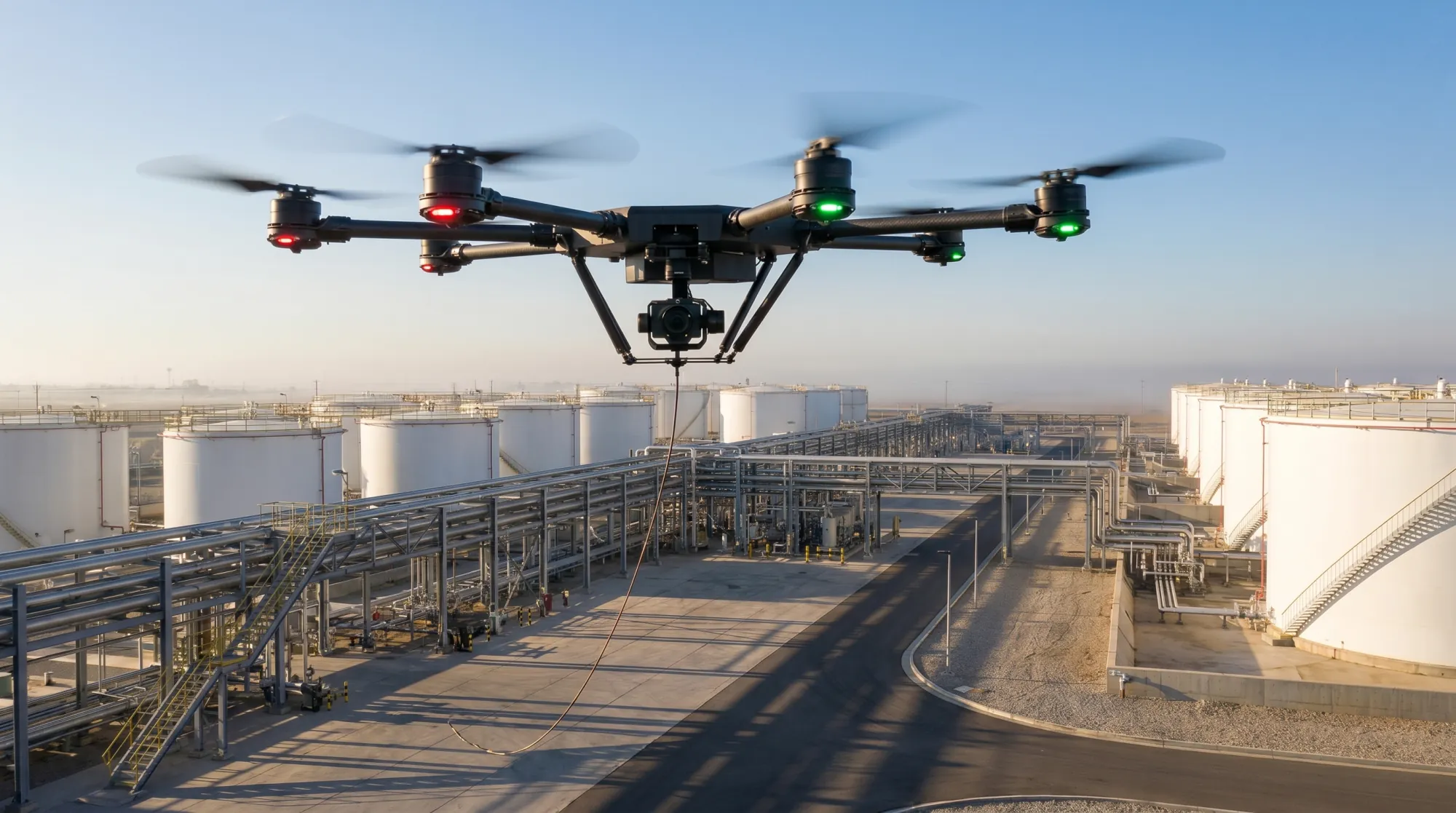
Mission pack — Inspection
Survey
The same look, every time, on schedule.
What it does
Survey makes inspection repeatable: saved orbit and facade paths capture the same asset the same way every time, change detection flags what's different since the last pass, and reports export ready for the maintenance system.
Core capabilities
Orbit & facade paths
Change detection
Report export
How it runsThe mission,
The mission,
step by step.
01
Save the path
Define orbit and facade capture paths per asset — towers, tanks, roofs, yards.
02
Capture on schedule
Re-run the identical path on your inspection cadence; lighting-matched captures make comparison meaningful.
03
Detect change
Change detection compares passes and flags deltas for human review.
04
Export the report
Findings package into report exports your maintenance workflow can ingest.
What the operator seesOne console.
One console.
The whole picture.
Survey runs on the standard Apus operator console — the feed, the events, and the record, in one place. Simulated view shown.

Event logSimulated
OUT 01
Capture sets per asset
OUT 02
Change-detection flags
OUT 03
Inspection report exports
Deploy Survey